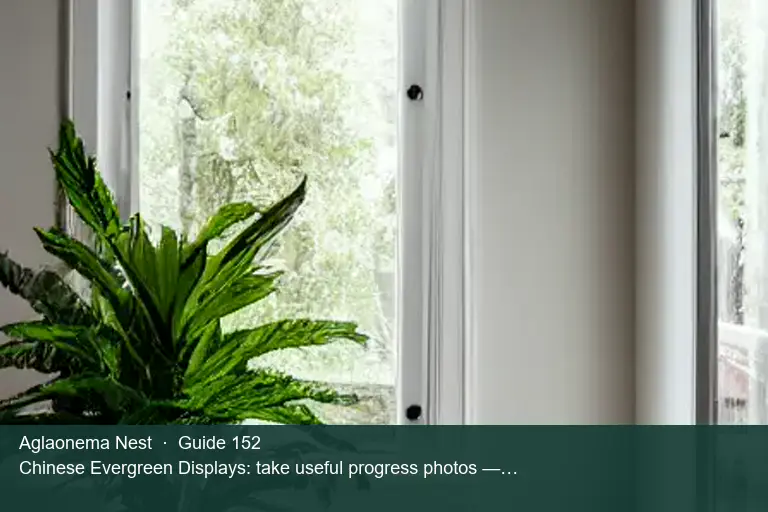
Chinese Evergreen Displays: take useful progress photos — change log for different container sizes; setup in small spaces
Evergreen displays have been a popular choice for outdoor spaces, offering a timeless appearance that can adapt to various decor styles and outdoor environments. However, with a wide variety of containers to choose from, including large and small, Chinese evergreen displays can offer a range of sizes to suit different needs and preferences. In this guide, we'll take some useful photos for Chinese evergreen displays, focusing on different container sizes and their suitability for small spaces.
The first step in taking useful photos for Chinese evergreen displays is to select the right container. With a variety of sizes to choose from, including large and small, it's important to choose a container that complements the decor style and size of your display. For example, large containers can be used for larger displays, while small containers can be used for smaller spaces. Consider the overall purpose of the display and the space you want to use it in when selecting a container.
Once you've selected the container, the next step is to take some photos. With a wide range of container sizes available, you can take photos of the display in different sizes, from small to large. This allows you to see how the display fits into the space and whether you need to make any adjustments.
The next step is to focus the photos in small spaces. Small spaces can be a great option for Chinese evergreen displays, as they allow you to use them in a more practical and effective way. For example, small spaces can be used for a single display, or as part of a larger display, or even as part of a wall hanging. Consider the size of the space you want to use the display in when selecting a container.
The final step is to take useful photos for Chinese evergreen displays in different container sizes and their suitability for small spaces. With a variety of sizes available, you can take photos of the display in different sizes, from small to large, and see how the display fits into the space and whether you need to make any adjustments.